Digraph Tiles
Oh, English spelling! Why can’t it be simple with each letter making one sound? It can be tricky to teach young students to read and write, thanks to the many digraphs in English. Students need to learn both vowel and consonant digraphs to be able to sound out and spell words. This fun digraph tiles activity provides a great way for students to practice reading and spelling. How does it work?
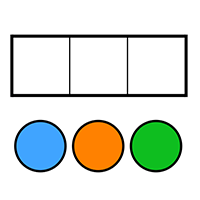
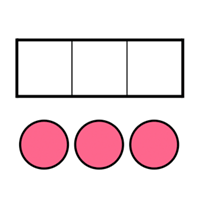
The interactive online digraph activity is fun and easy. Simply drag letters and digraphs onto the graph paper to write words. The digraphs conveniently fit into one square, showing that they make one sound. Use the pencil tool to circle or underline letters, or write new words. The eraser tool erases. Press the trash can button to clear the board.
Here are some fun ideas for using the interactive digraph tool:
- Write out a word using one of the digraphs, such as “ship.” Then, invite students to list words that also use the digraph “sh.” Add each word to the list, or invite students to write the words.
- Work with a small group of students who each have a device. Say a word using a digraph, such as “sleep.” Have students write out the word using the digraph tool.
- Play whisper down the lane dictation. Create lines of students. The last student has the device to use the digraph tiles. Whisper a word using a digraph to the first student in each line. Then, they whisper down the lane until the student with the device hears the word. See who spells the word correctly.
- Write out a word using a digraph and ask students to read it.